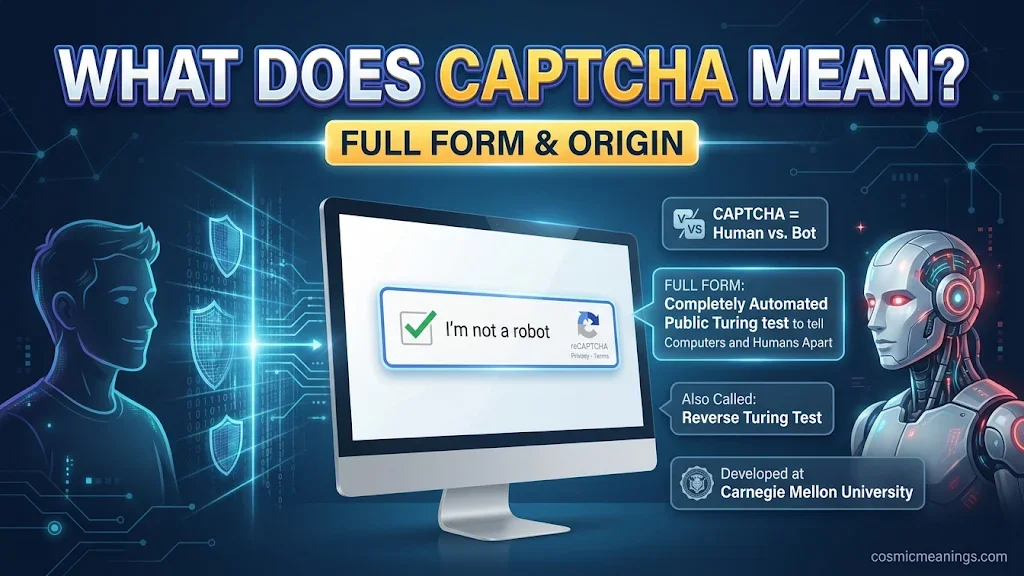
You click a box that says “I’m not a robot.” Or you tap every square with a bus. That small test is a CAPTCHA. The CAPTCHA meaning is simple: it is a test that tells humans and bots apart.
Websites use it to stop spam, fake accounts, and automated attacks. This guide covers the CAPTCHA full form, the main types of CAPTCHA, common CAPTCHA uses, and quick fixes when one blocks you.
Table of Contents
What Does CAPTCHA Mean? Full Form and Origin
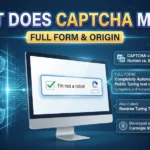
CAPTCHA stands for Completely Automated Public Turing test to tell Computers and Humans Apart. It is a challenge-response test. A site gives you a task. If you pass, the site treats you as a human user. You say it like “KAP-cha.”
The name nods to Alan Turing, who asked if a machine could pass as a person. A CAPTCHA flips that idea. Here, a human proves they are not a machine. That is why many people call it a reverse Turing test.
Researchers at Carnegie Mellon University first developed the CAPTCHA. Later, a CMU spin-off built reCAPTCHA, and Google acquired it in 2009. So reCAPTCHA is one brand. CAPTCHA is the broad term.
While CAPTCHA systems help distinguish humans from automated bots through simple verification tasks, human communication also relies on words that express personality, energy, and enthusiasm. If you’re exploring how language captures these qualities, understanding the meaning of verve can add a lively dimension to your vocabulary, describing the spirit, passion, and energy behind someone’s actions or words.
CAPTCHA Types and Examples
Not every CAPTCHA looks the same. Here are the types of CAPTCHA you will meet most.
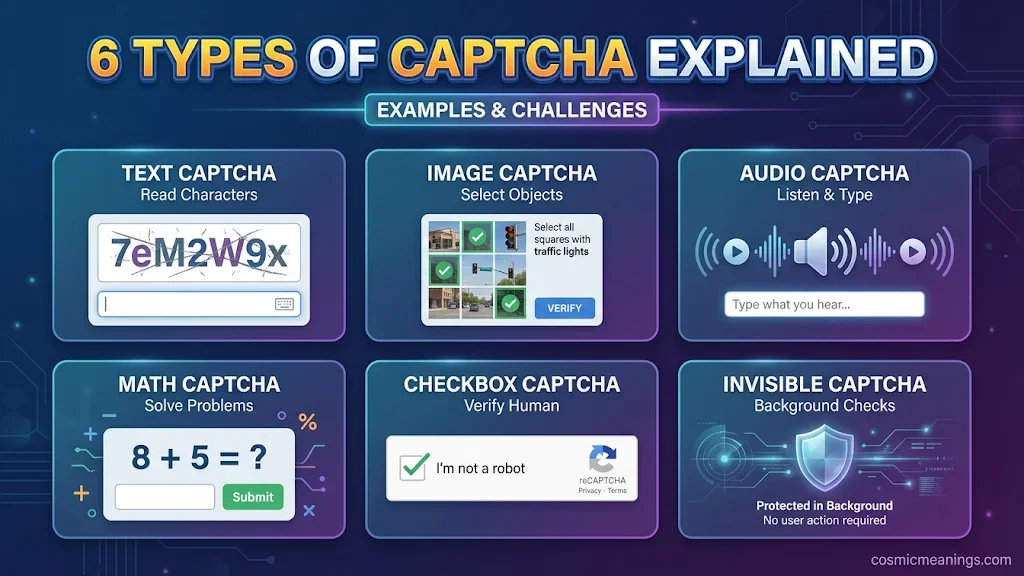
Text-based CAPTCHA. You read distorted letters and numbers and type them in. This is the oldest style.
Image-based CAPTCHA. You pick squares with traffic lights, crosswalks, or bikes. It uses image recognition, which is harder for old bots.
Audio CAPTCHA. You hear spoken letters or numbers over background noise. It helps people who cannot see the screen.
Math or word problem. You solve “3 + 4” or fill in a missing word. It is simple, but easy for modern bots to beat.
Checkbox CAPTCHA. You click “I’m not a robot.” The real test happens in the background, as the next section shows.
Invisible CAPTCHA. You see nothing at all. reCAPTCHA v3 gives each visit a score from 0.0 to 1.0. A score near 1.0 looks human. A score near 0.0 looks like a bot. Google suggests 0.5 as a starting cutoff.
Slider and puzzle CAPTCHA. You drag a piece into place. Newer tools like hCaptcha and Cloudflare Turnstile also run quiet checks, and some use a small hidden proof-of-work task in your browser.
CAPTCHA Uses: Why Websites Use It
Bots now run a huge share of the web. In 2025, automated traffic made up more than 53% of all web traffic, and 40% came from bad bots, according to the Thales 2026 Bad Bot Report. One 2026 analysis also found the United States sends 53.5% of global bot traffic.
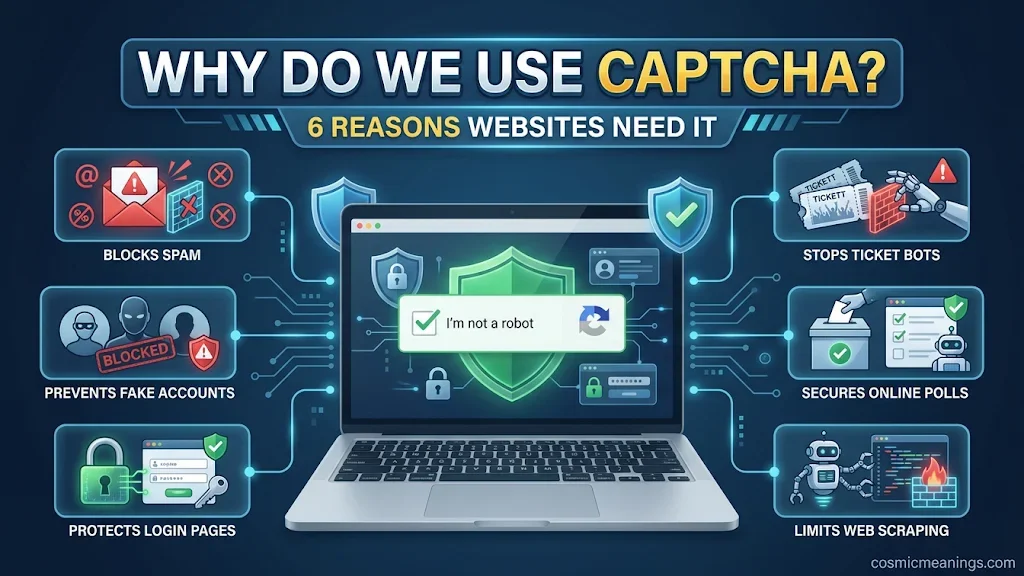
That is why sites lean on CAPTCHA. Common CAPTCHA uses include:
Stopping spam. It blocks bots that flood comments, contact forms, and reviews.
Blocking fake accounts. It slows mass sign-ups that waste resources and fuel fraud.
Protecting logins. It makes brute-force attacks and credential stuffing harder.
Guarding ticket sales. It limits scalper bots that grab tickets for resale.
Keeping polls fair. It stops bots from stuffing votes.
Limiting web scraping. It makes bulk data theft slower and costlier.
You will likely see CAPTCHA at logins, checkout, password resets, and ticket pages.
How CAPTCHA Works Behind the Scenes
The test often starts before you click. The system reads behavioral signals. These include mouse movement, typing speed, cookies, device details, your IP address, and past browsing. Low-risk visits pass fast. Risky ones get a puzzle.
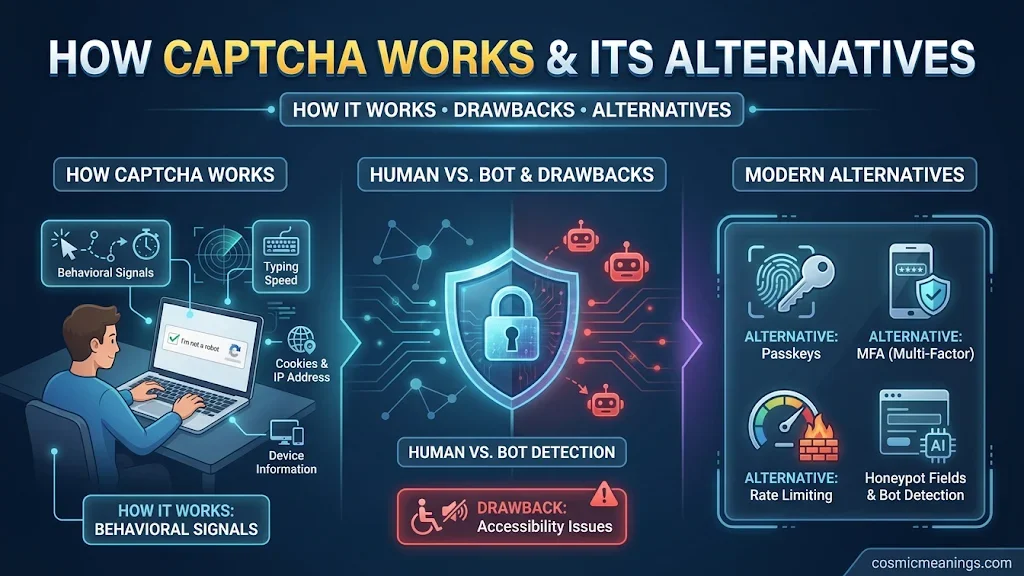
Some things raise your risk score. A VPN, shared Wi-Fi, or many fast requests can all look odd. Old pages can also fail. Google notes that reCAPTCHA tokens expire after two minutes, so a stale tab may need a fresh check.
Bots fight back, too. They use machine learning to read images. Some attackers pay human solver farms to pass tests for them. So tests keep getting harder. The W3C even warns that CAPTCHA alone is becoming less effective as a security tool.
CAPTCHA Drawbacks and Alternatives
CAPTCHA costs people time. A W3C draft reports an average of 32 seconds to finish one challenge. Hard tests can also push users to quit a form.
Accessibility is a bigger issue. Image tests can fail with screen readers, and audio tests can fail for deaf users. The W3C says a CAPTCHA with no accessible alternative can block people with disabilities from signing up, commenting, or buying. In the US, the ADA covers businesses open to the public and state and local governments, and the DOJ’s web rule sets WCAG 2.1 Level AA for government sites.
Sites have other options:
Honeypot fields. Hidden form fields that only bots fill in.
Rate limiting. Caps on how fast one visitor can send requests.
Multi-factor authentication. A second step, like a code or app prompt.
Passkeys. Sign-in without a password or a puzzle.
Behavior-based bot detection. Quiet scoring with no visible test.
The strongest setup uses layers. CAPTCHA works best as one guard, not the only one.
FAQs
How do I enter CAPTCHA?
Read the characters and type them in, or click the images that match the prompt. Then press submit. If the text is hard to read, use the refresh button for a new one. Use the audio option for a spoken version. For a checkbox, click it and wait a moment.
What does CAPTCHA meaning?
CAPTCHA means Completely Automated Public Turing test to tell Computers and Humans Apart. It is a short test that websites use to check if a visitor is a real person or a bot. It helps stop spam, fake accounts, and automated attacks.
Is CAPTCHA a password?
No. A password proves who you are. A CAPTCHA only proves you are human. It is not tied to your account and it does not unlock anything on its own. You still need your login details after you pass it.
Why is CAPTCHA blocking me?
The site sees a signal that looks like a bot. Common causes include a VPN or shared network, too many fast attempts, blocked cookies or JavaScript, an old browser, and ad blockers. A tab left open too long can also fail.
How to solve a CAPTCHA problem?
Refresh the challenge first. Turn off your VPN. Enable cookies and JavaScript. Update your browser and clear the cache. Pause your ad blocker for that page. Try a different network if it still fails. Use the audio option if the images are unclear. Slow down between attempts.
Conclusion
Now you know the CAPTCHA meaning, its full form, and why it exists. It sorts humans from bots using text, images, audio, and quiet behavior checks. Sites use it to stop spam, fake sign-ups, and login attacks. It has real flaws, like delay and accessibility gaps, so smart sites pair it with other defenses. If one blocks you, a refresh, a VPN switch, or a browser update usually fixes it.

Timmy Vicky is a passionate spiritual writer, researcher, and the creative mind behind CosmicMeanings.com. With a deep fascination for the universe, symbolism, and the hidden messages of life, Timmy dedicates his work to helping people uncover the deeper meaning behind everyday experiences.